
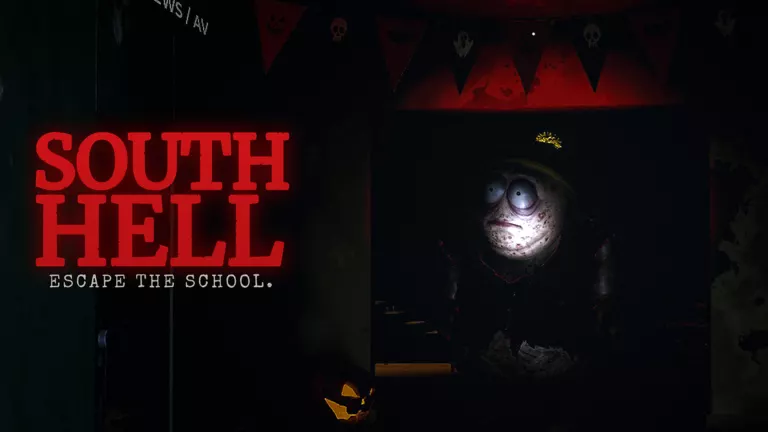
South Hell PC Controls
| Key | Action and condition |
|---|---|
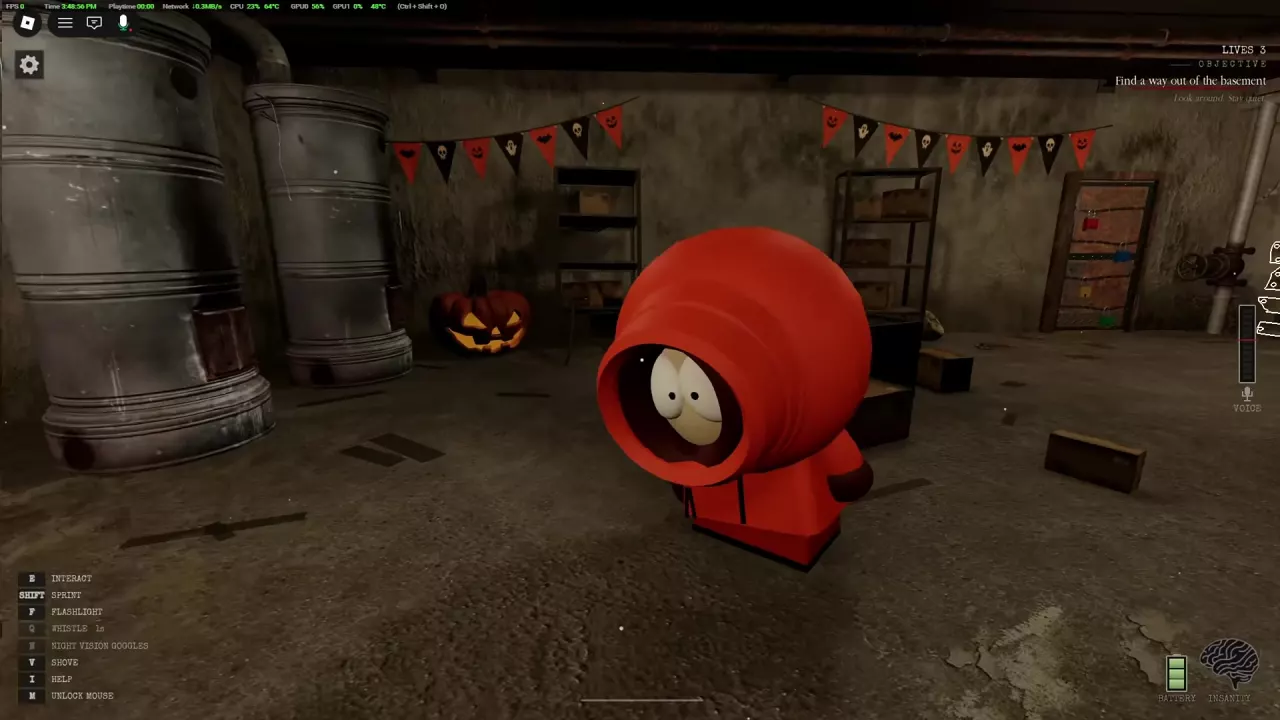
| E | Interact with a nearby target. Door prompts change between Open and Close. |
| Shift | Sprint. Running makes more noise. |
| Q | Whistle. |
| V | Shove a nearby player when the shove prompt appears. |
| I | Open help. |
| M | Unlock the mouse. |
| F | Use the flashlight. |
| N | Use night vision goggles if you own the NightVisionGoggles game pass. |
| B | Install a spare battery when the B NEW BATTERY prompt appears. |
| Hold B | Hand-crank the flashlight when HOLD B CRANK appears. |
| P | Open Settings. |
| Space | Let go while climbing a rope. |
| Number keys | Select the corresponding hotbar slot; an item's number depends on its slot. |
The school locations guide explains where the rope leads, and the game passes comparison covers the night vision pass.
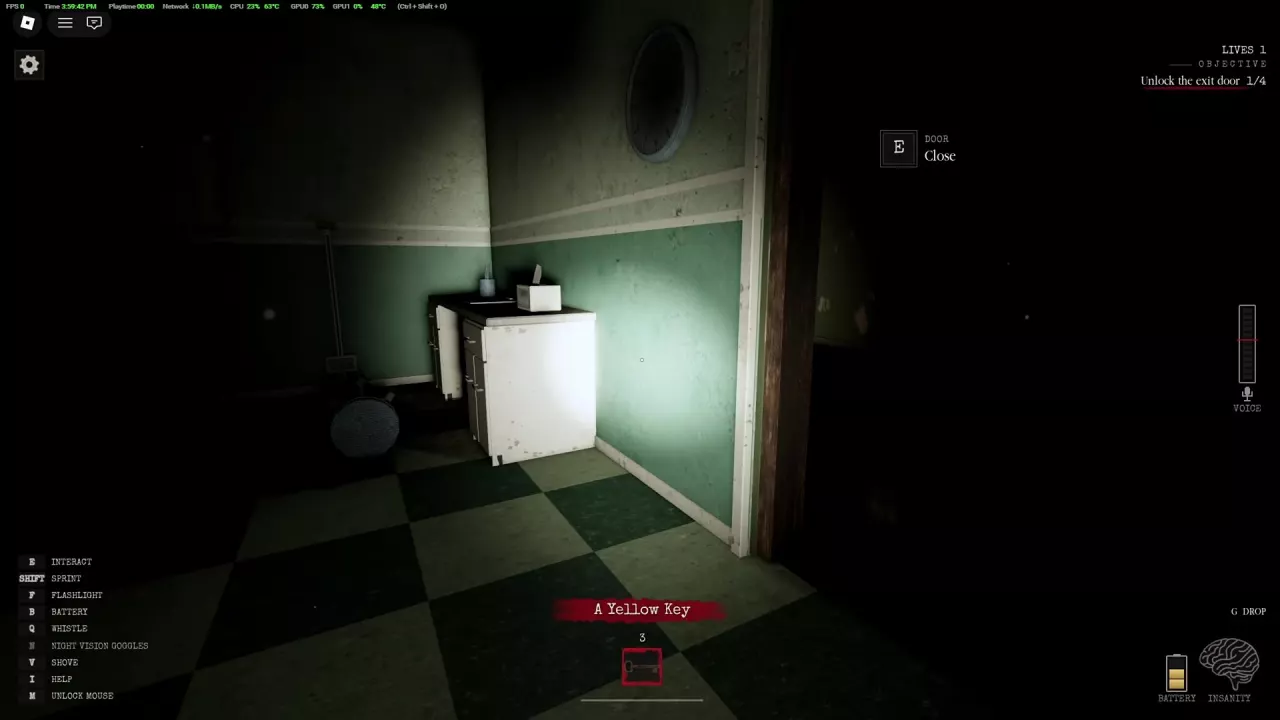
Drop an Item or Key
Select the item in your hotbar, then press G when G DROP appears. The Yellow Key displays this prompt when selected.
You can carry one key at a time. Use or drop your current key before taking another.
Set Graphics to Low
- Press P to open SETTINGS.
- Open GRAPHICS and select LOW.
In the lobby, you can also open SETTINGS from the left side of the screen. Low graphics can help a slower device load and reduce lag. Gray or blurry walls may still be loading.
Spectate or Return to the Lobby After Escaping
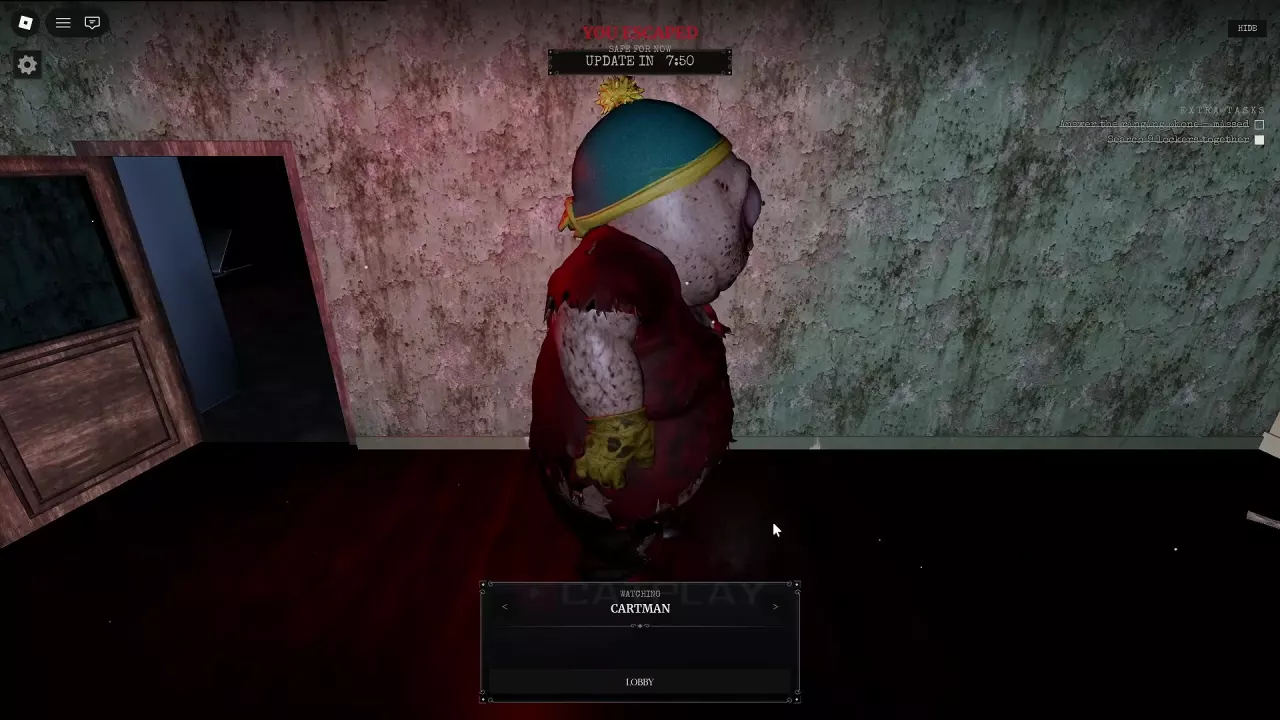
On the spectator screen, use the arrows beside the current viewing target to switch whom you watch. To leave the round:
- Select LOBBY.
- Choose LEAVE in the confirmation dialog.
Other players can continue their round, but you cannot return to that same round after leaving.
Item Actions and Starting a Round
- Learn how to find spare batteries and restore light in the flashlight guide.
- Choose and deploy chicken, clocks or traps in the Cartman distraction guide.
- Find the bus stop and set up a solo or group game in the round setup guide.
Related guides
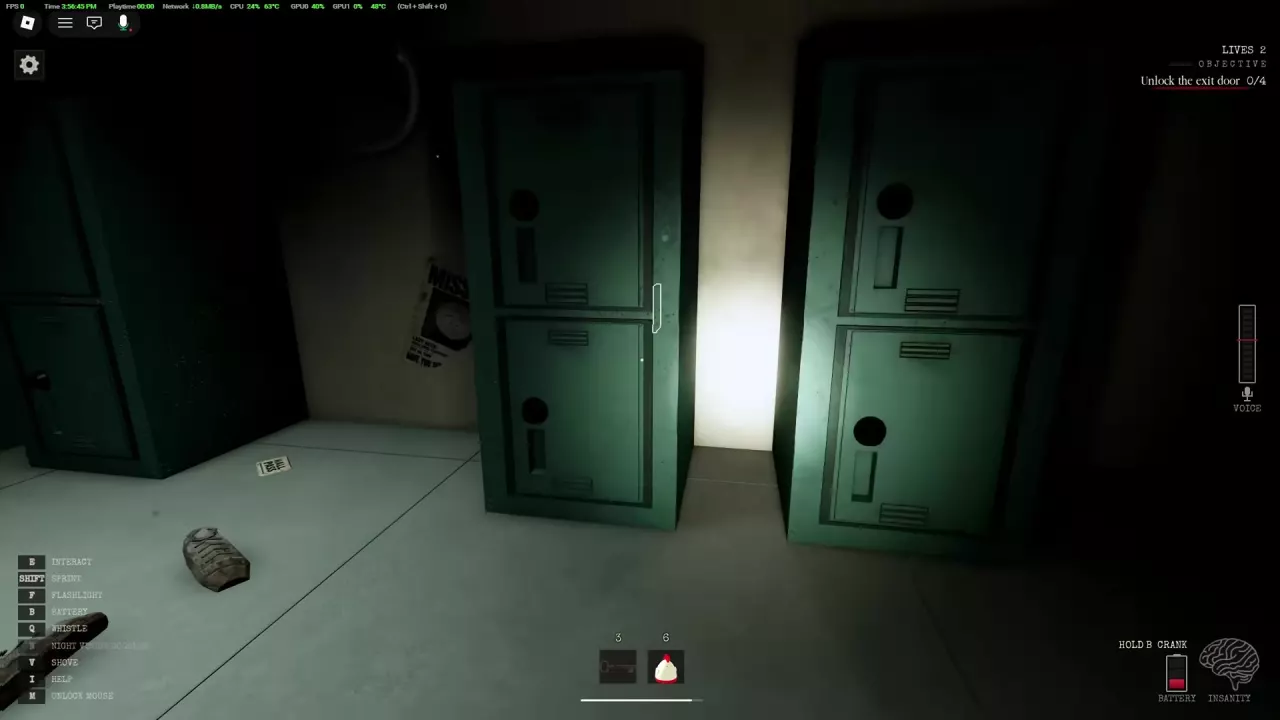 How to Recharge Your Flashlight in South HellLearn how to recharge your flashlight in South Hell, find spare batteries, use the hand crank, and reach the basement Fuse Box during an outage.How to Distract Cartman in South Hell: Chicken, Clocks and TrapsDistract Cartman in South Hell with Fried Chicken, an Alarm Clock, Trap or Boombox. Learn how to deploy each option and move to safety.
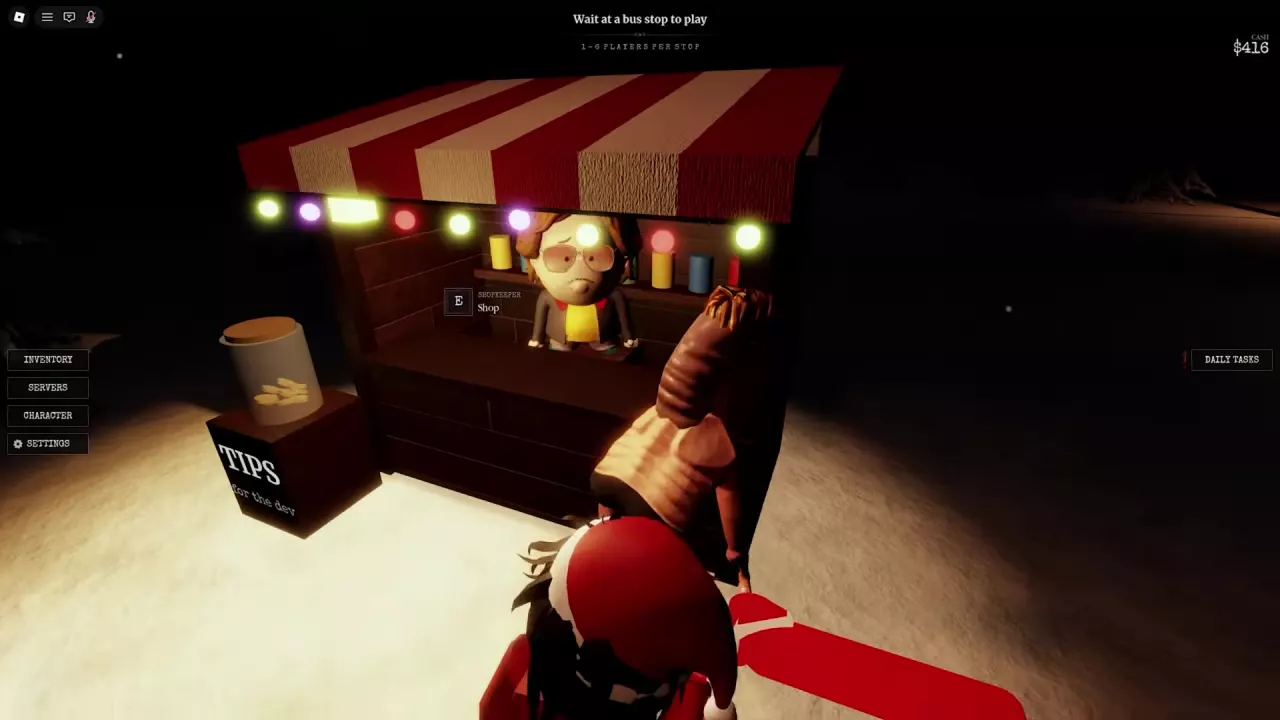 South Hell Game Passes: Night Vision Goggles vs BoomboxCompare South Hell's 99-Robux NightVisionGoggles and 199-Robux Boombox, learn their benefits and controls, and find the shop and purchase links.
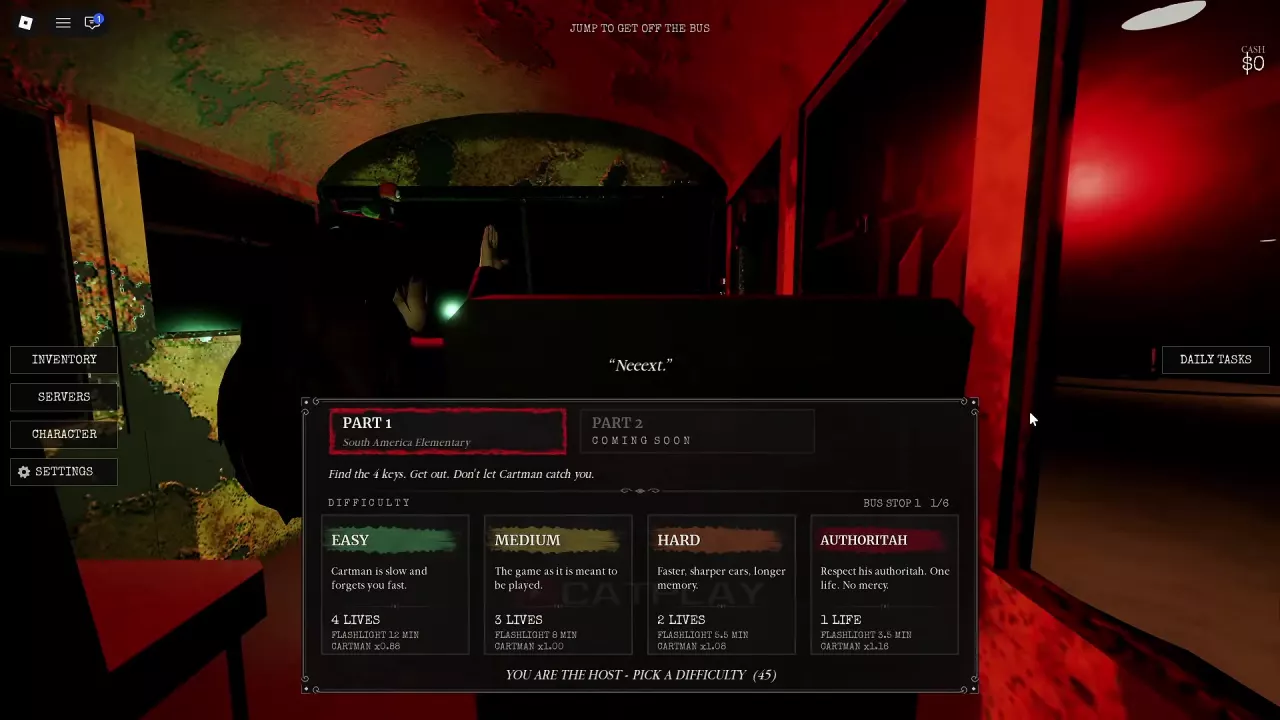 How to Start a Game in South Hell Solo or with a GroupStart South Hell alone or with up to six players at a Bus Stop. Learn how to board, choose a difficulty, and divide searches and key deliveries.
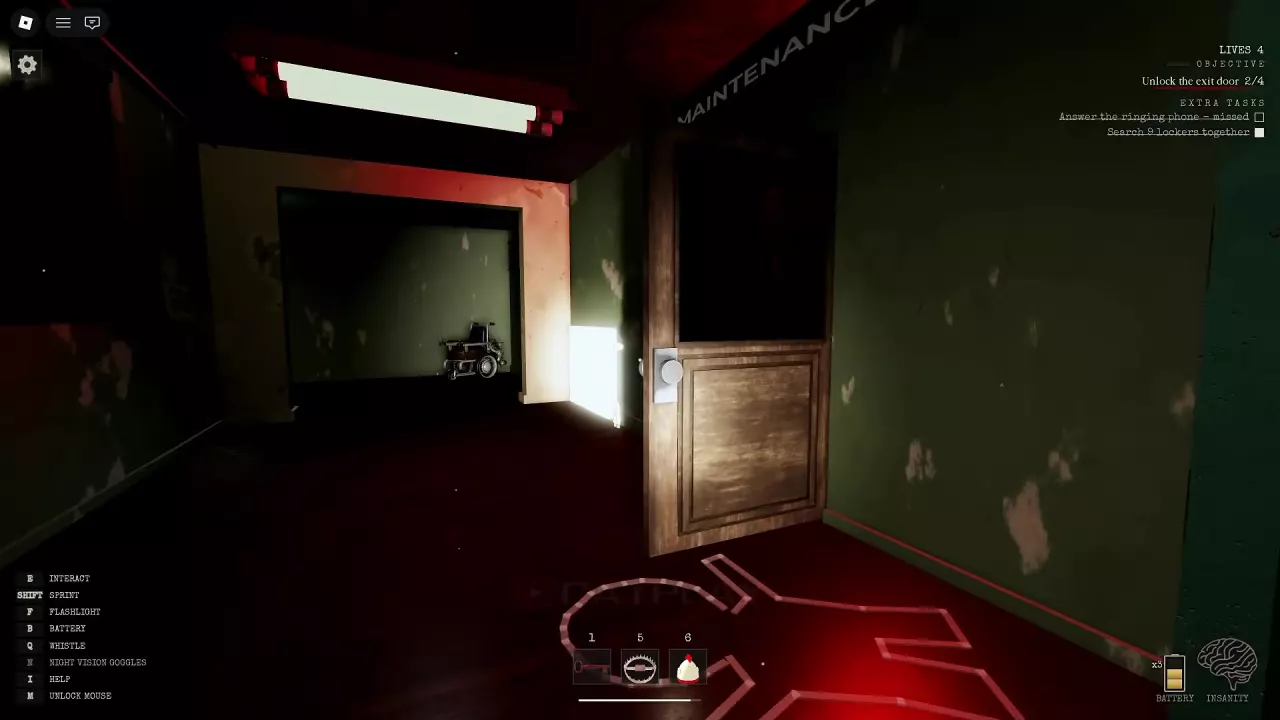 South Hell School Locations and the Basement Exit RouteFind South Hell school landmarks, follow Maintenance to the basement exit, and climb the rope to the upper area.