South HellWIKI
RobloxSurvival

South Hell Wiki

Last updated:

South Hell is a Roblox horror escape game where you search a school for keys and complete exit objectives while avoiding Cartman. This wiki covers escape routes, survival, characters, items and side objectives.
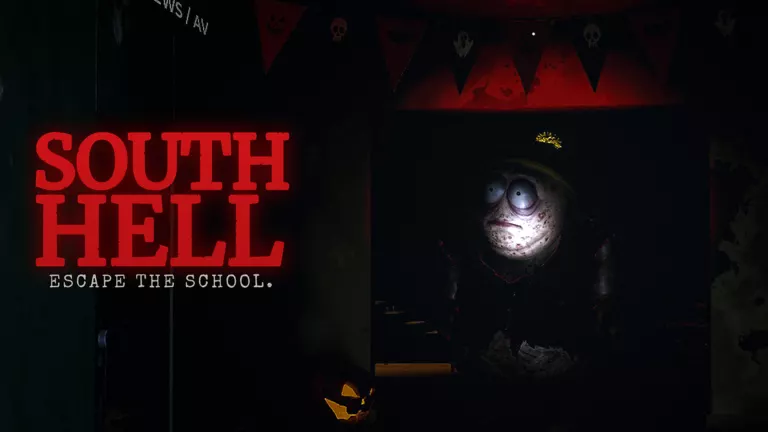
South Hell official artwork
Gameplay video

Game overview

Genre
Survival
Visits
7M+
Favorites
115K+
Creator
S00NR
Release date
2026-10-18
Game updated
2026-11-08

Browse the Wiki

Codes

1 code reported active. 1 code has unconfirmed status.

Featured codeReported active

SOUTHHELL

Reward

250 Cash

Featured codeUnconfirmed

HALLOWEEN

Reward

1,000 Cash and 25 Candies

The full collection

Looking for more codes?

Browse all listed codes, check rewards and requirements, and follow the redemption guide.

Part 1 Escape

Part 1 Escape
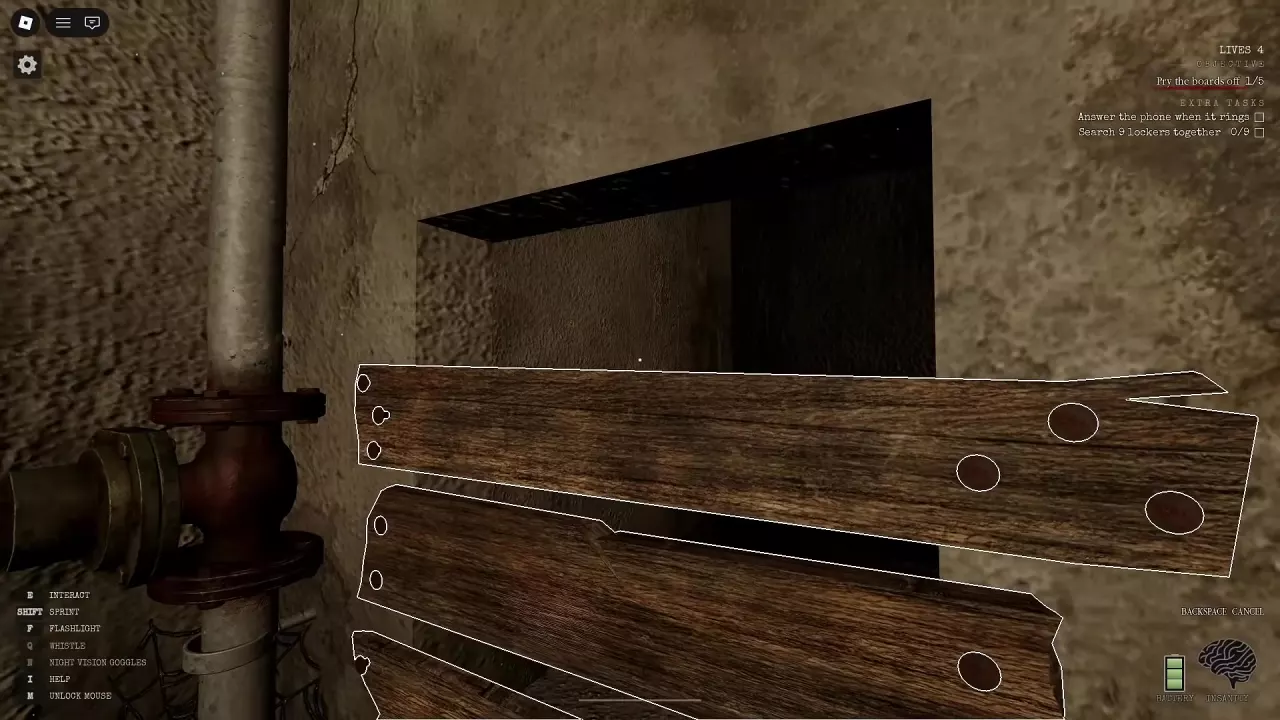
  1. Open the passage. Find the Crowbar in the basement and use E Remove boards until all 5 boards are removed. Follow the cleared passage upstairs into the school.
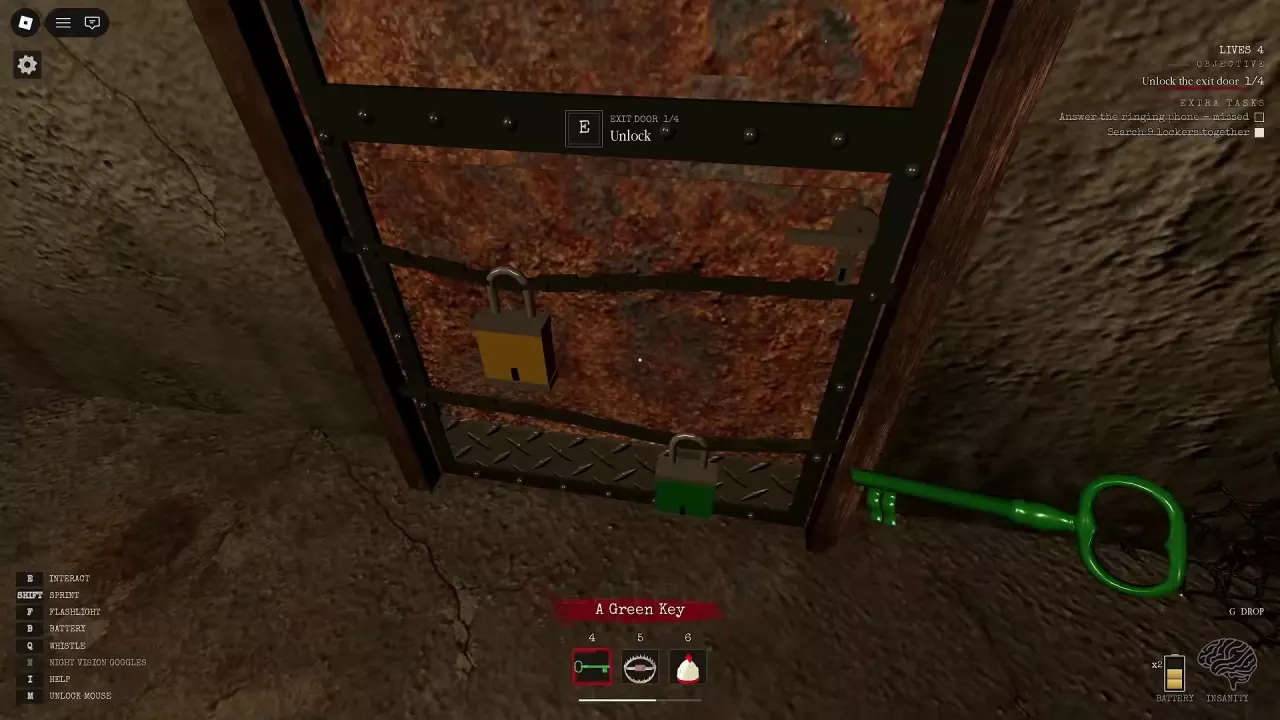
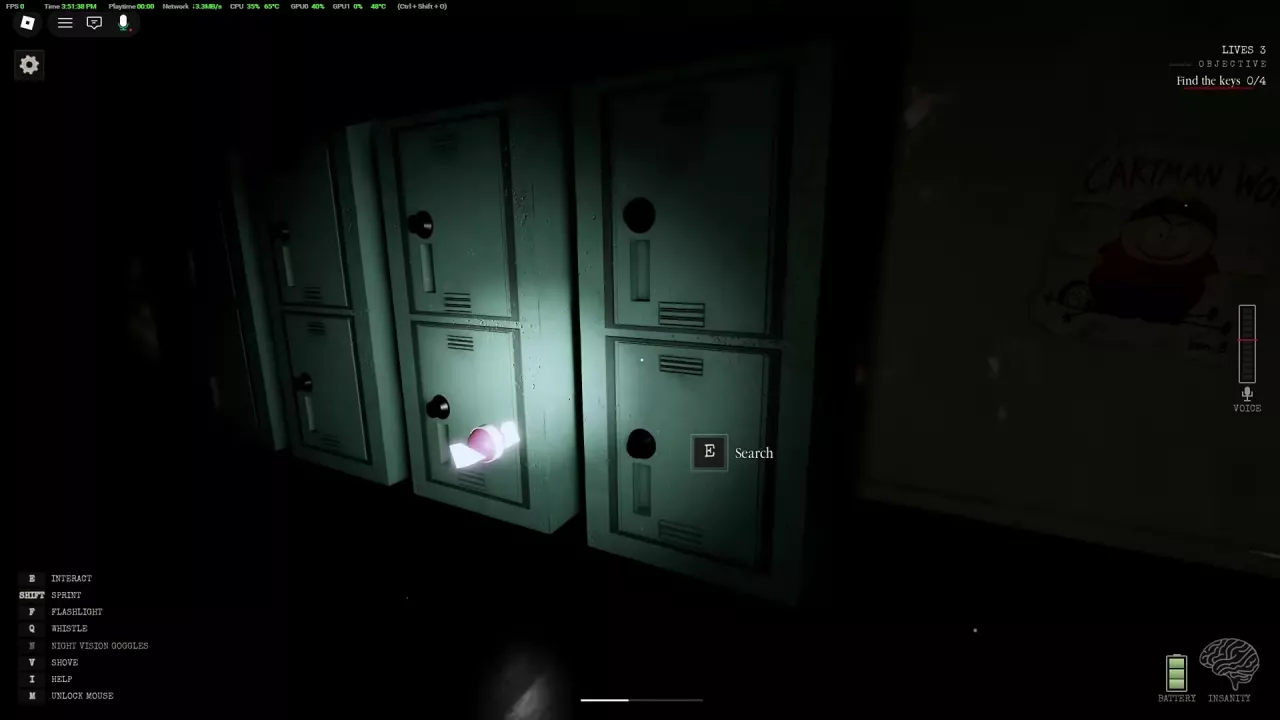
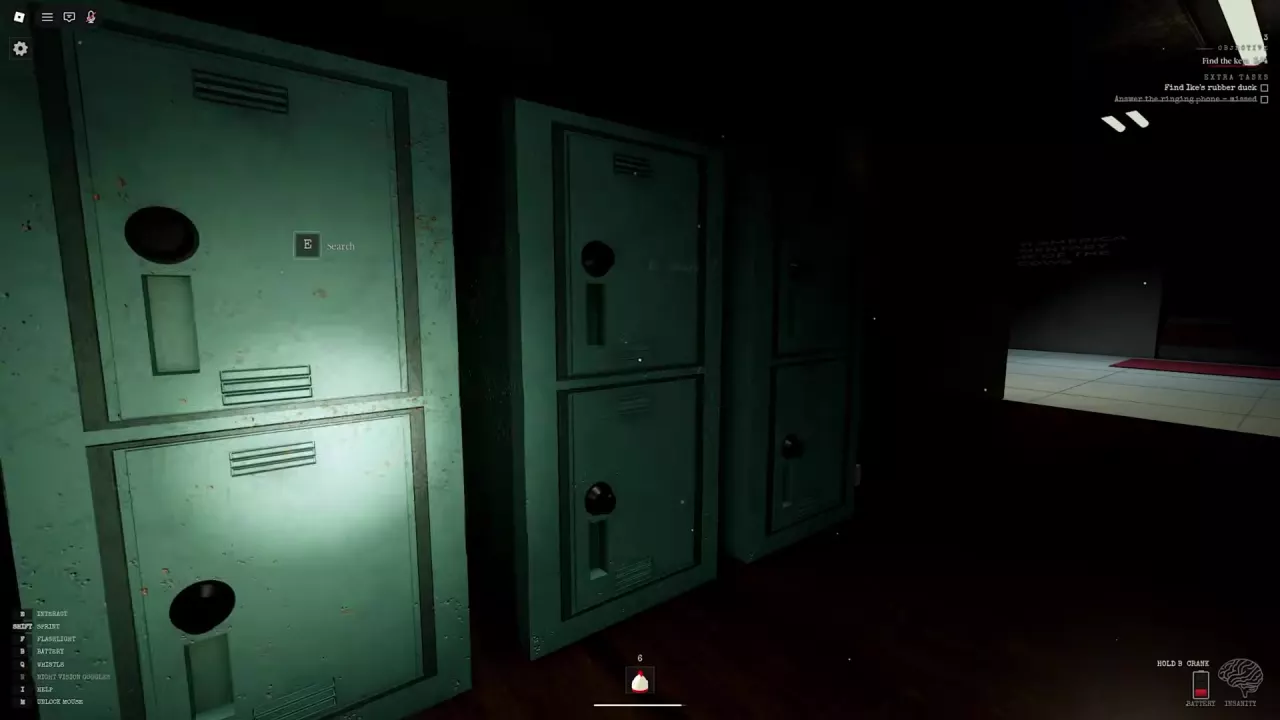
  2. Find and deliver 4 keys. Search lockers and classrooms. Each player can carry one key at a time; equip it at the matching colored basement exit lock and use E Unlock. Finding a key does not unlock its lock automatically.
  3. Finish the door mechanism. If the door is stuck, collect the required Crank Parts, then repeatedly hold E at the exit crank until its counter is complete. Follow your current objective’s quantities; part and turn requirements can differ between rounds.
  4. Escape. Once the door opens, use the separate E Escape interaction.

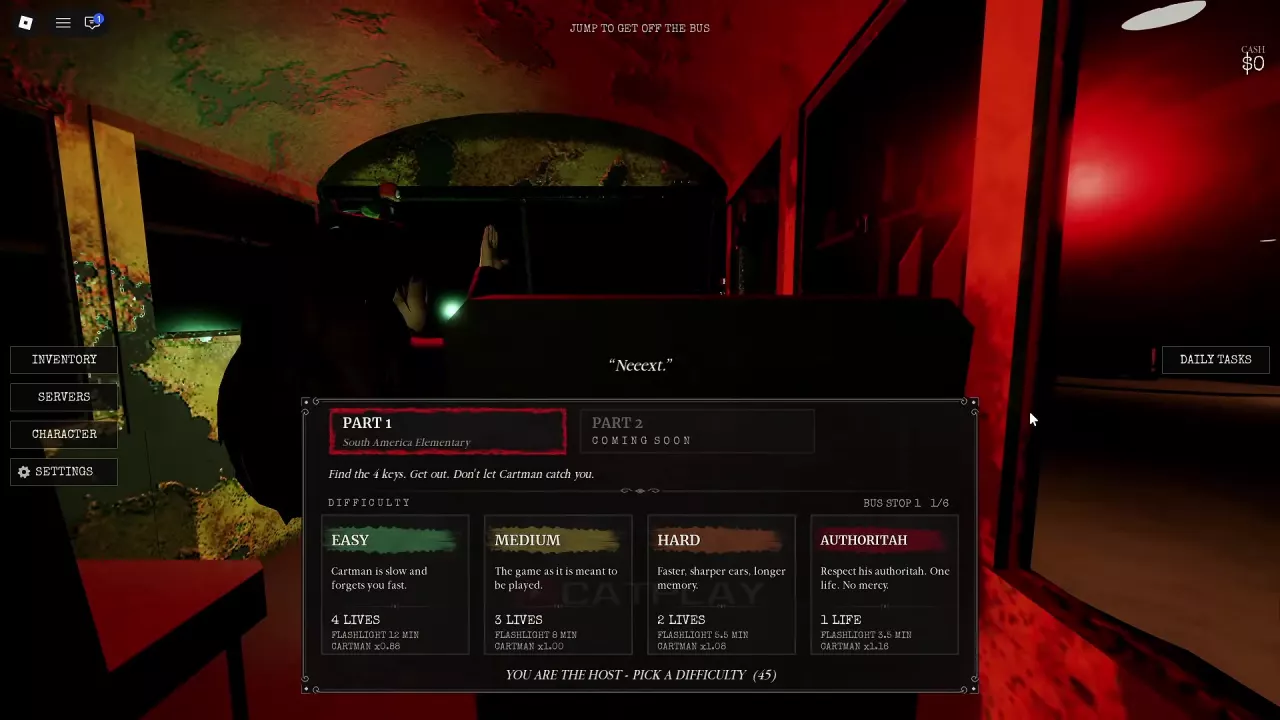
For Part 1: South America Elementary, Easy gives you more room to learn; Authoritah is a one-life challenge.

Difficulty Lives Listed flashlight duration Cartman speed
Easy 4 12 minutes ×0.88
Authoritah 1 3.5 minutes ×1.16

Start with Easy to learn the school. Before trying Authoritah, get comfortable with return routes, hiding and restoring flashlight power.

Flashlight duration is a lighting allowance, not a countdown for the entire escape.

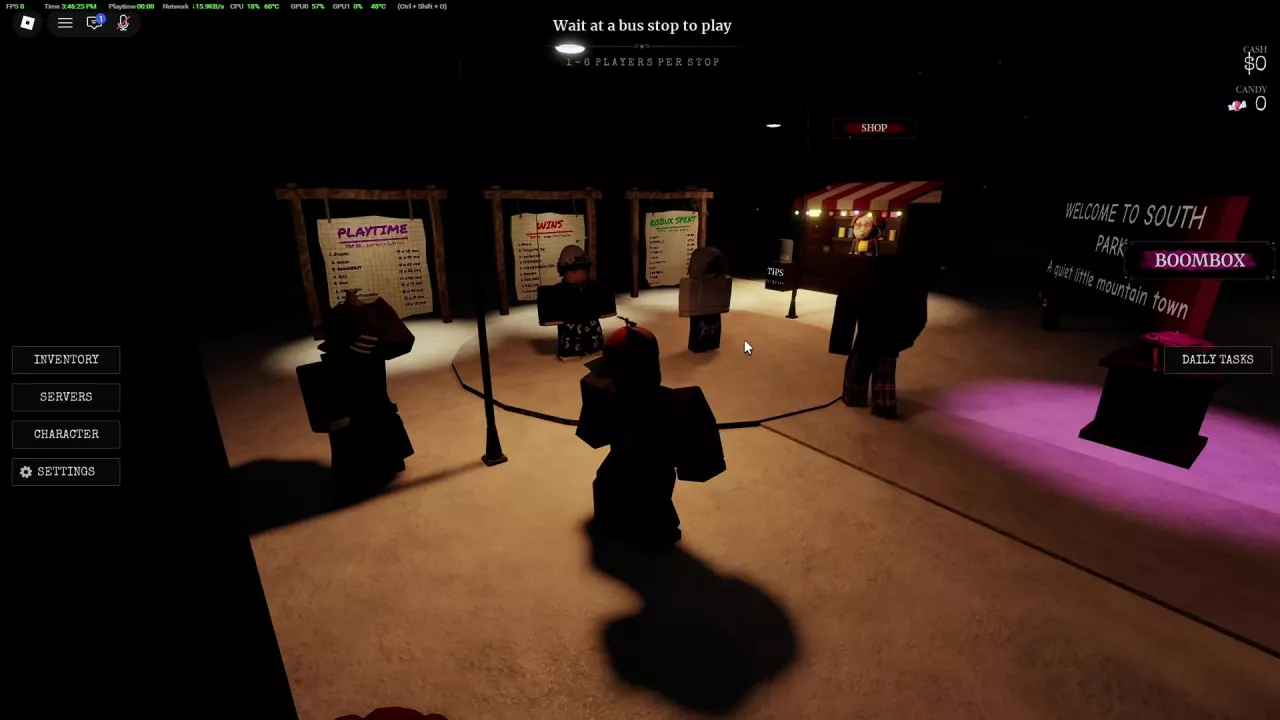
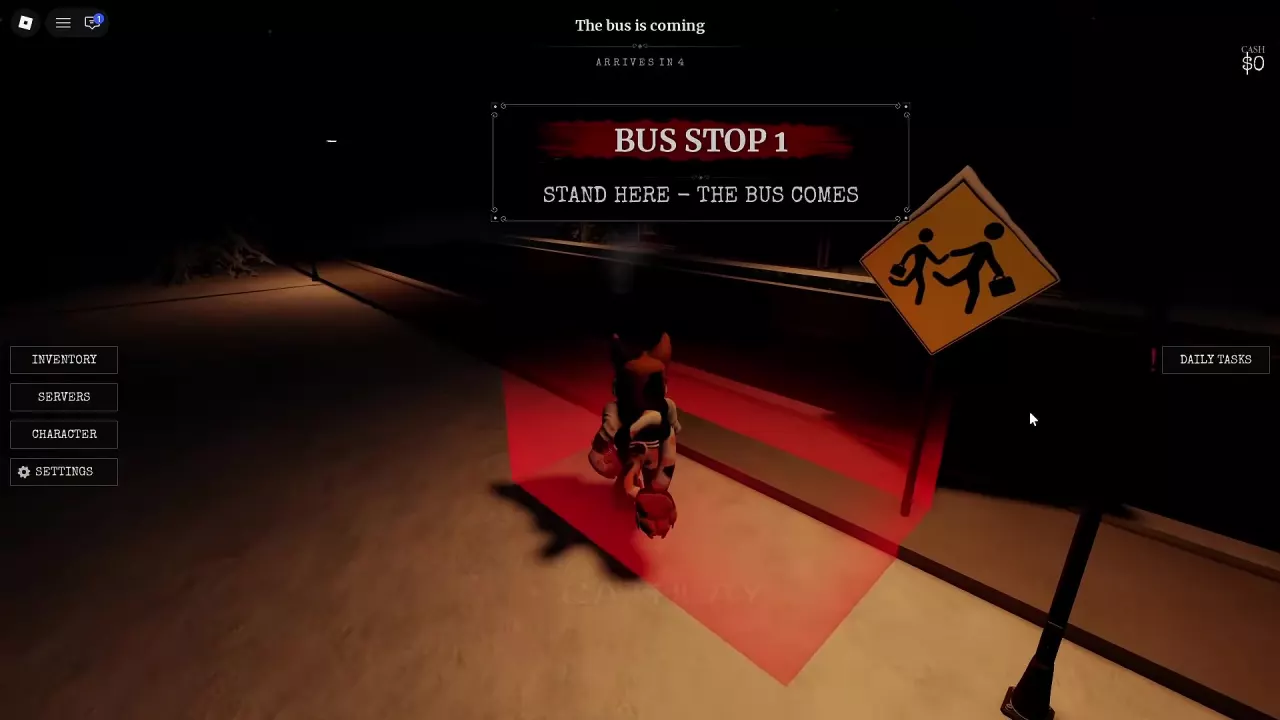
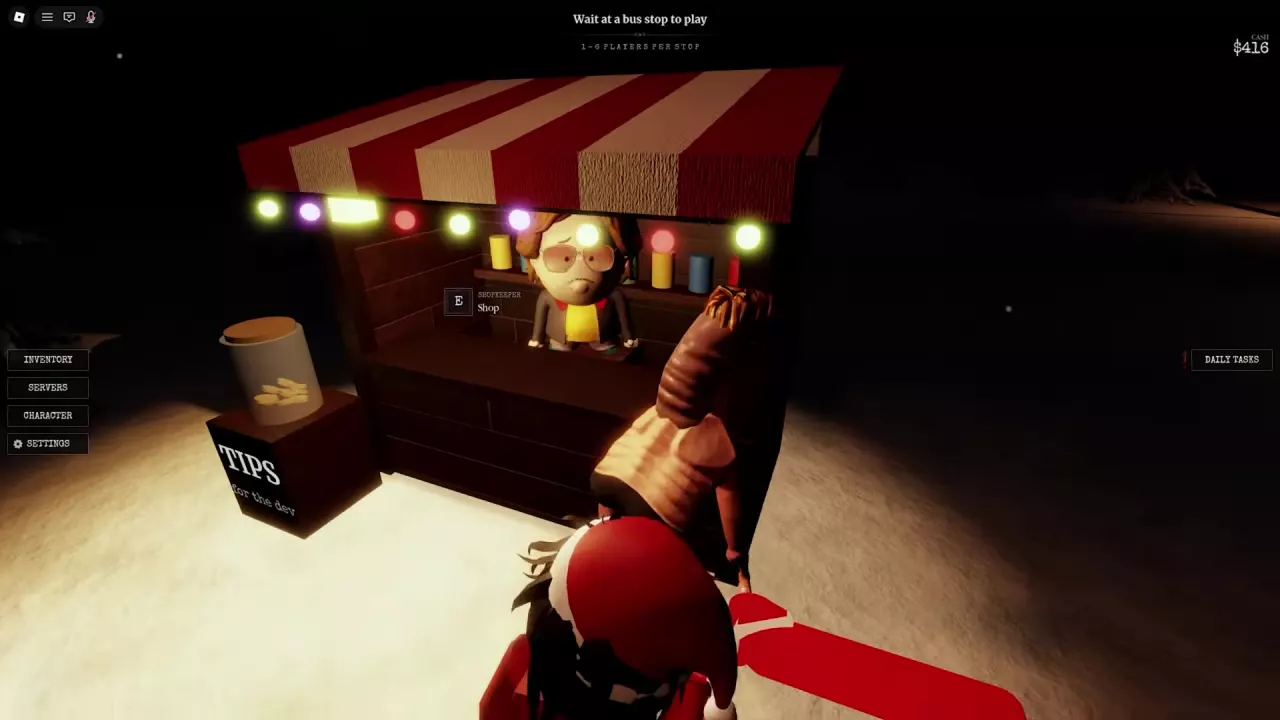
  1. Gather at a Bus Stop. In the same lobby, stand inside the same marked waiting area. Each stop supports 1–6 players, including solo play.
  2. Board and choose. When the bus arrives, board and have the host select Part 1: South America Elementary and a difficulty.
  3. Wait for departure. The round loads after the departure countdown finishes.

To get off the bus before departure, jump.

Survival and Lighting

Survival and Lighting
  • Keep noise down. Cartman can hear running and microphone audio. Limit unnecessary sprinting and voice noise near him, and avoid stepping on glass.
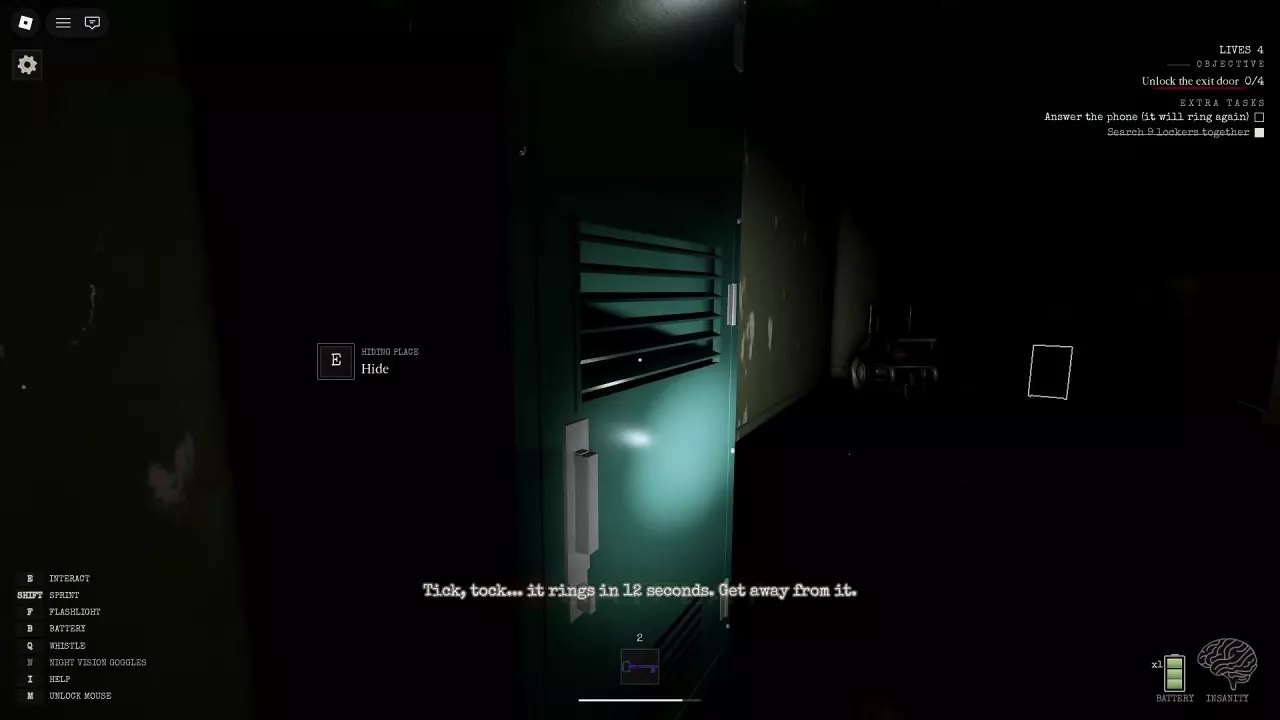
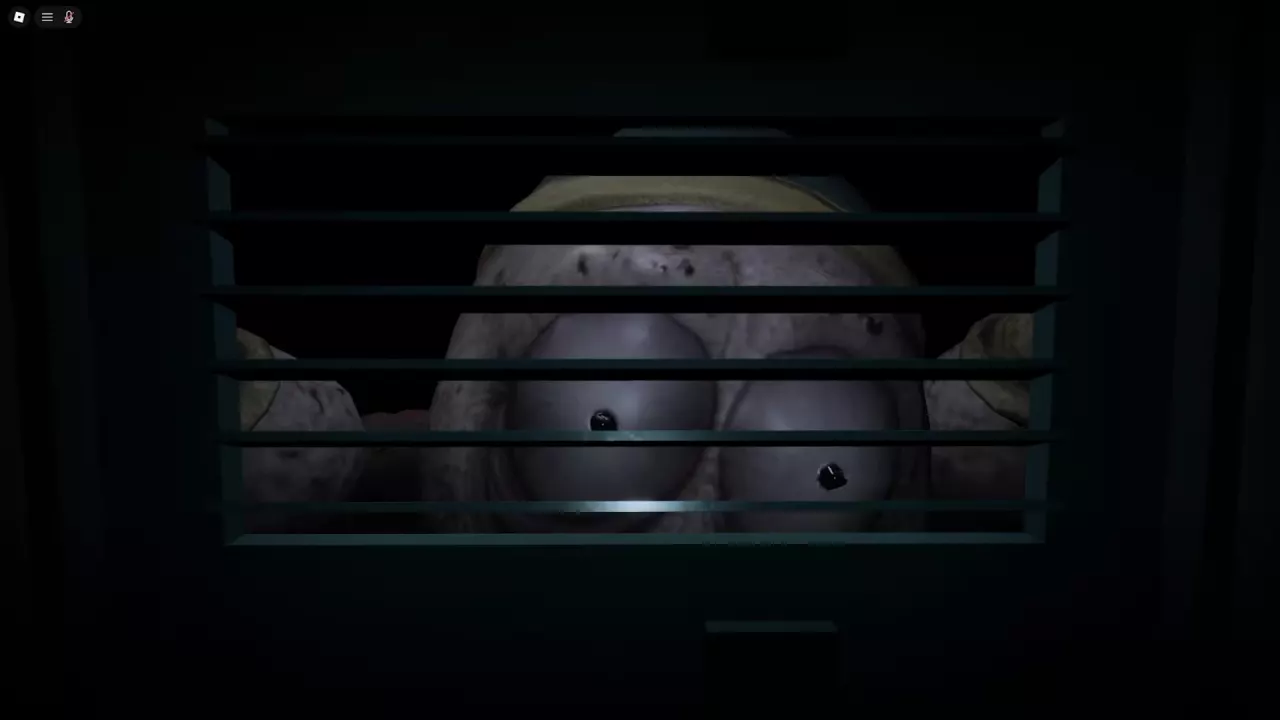
  • Use a hiding locker. Look for HIDING PLACE, press E Hide, and click the circles that appear. Watch through the vents and wait for Cartman to leave before coming out. Entering the locker does not immediately end a chase; he can follow you to it and attack the hiding place.
  • Reach shelter. Cartman cannot enter the basement or Safe Room. Retreat into either when you can reach it.
  • Use the flashlight: Press F for light in dark areas.
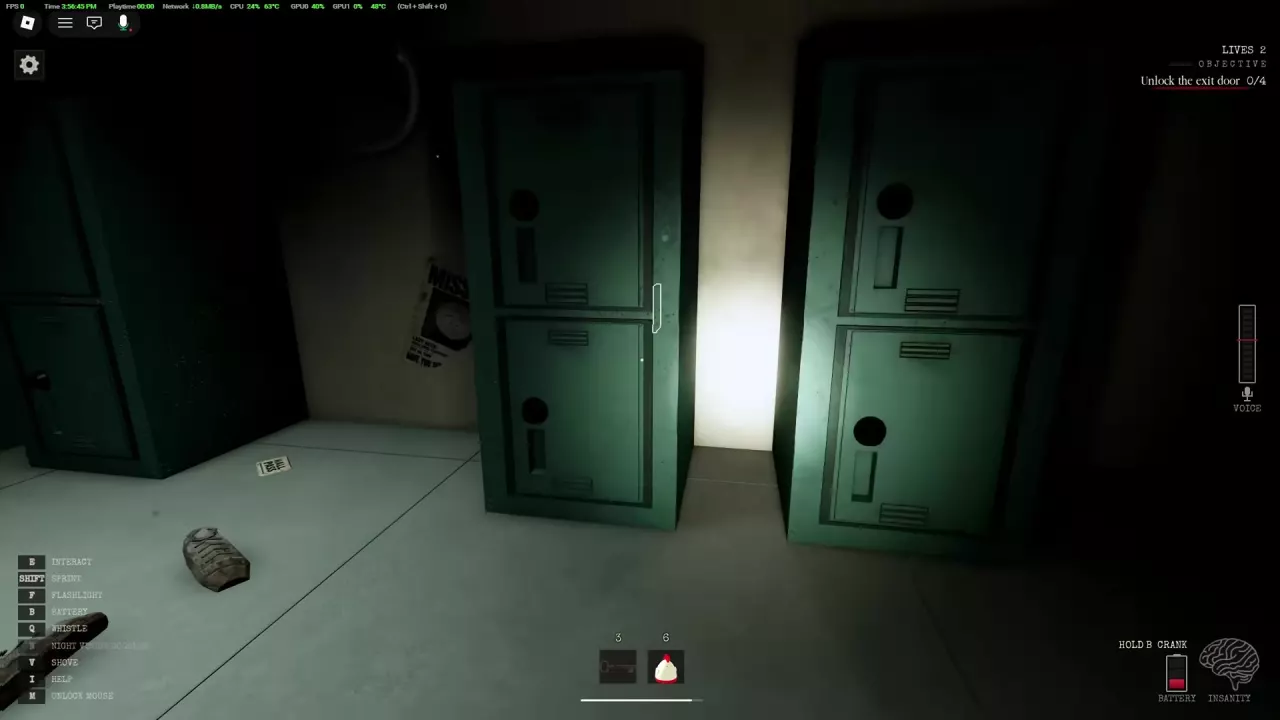
  • Install a battery: Search lockers for spares. With a spare available and B NEW BATTERY displayed, press B to install it. A replacement can leave the charge below full.
  • Recharge by hand: When HOLD B CRANK appears, hold B to restore flashlight power.
  • Respond to darkness: Darkness increases Insanity. Turn on your flashlight or move into a lit area.
  • Handle a school blackout: Follow Fix the fuse box in the basement. Repairing the Fuse Box restores school lighting; recharging your flashlight restores your portable light.

School Locations

School Locations

To reach the basement exit from the school corridors:

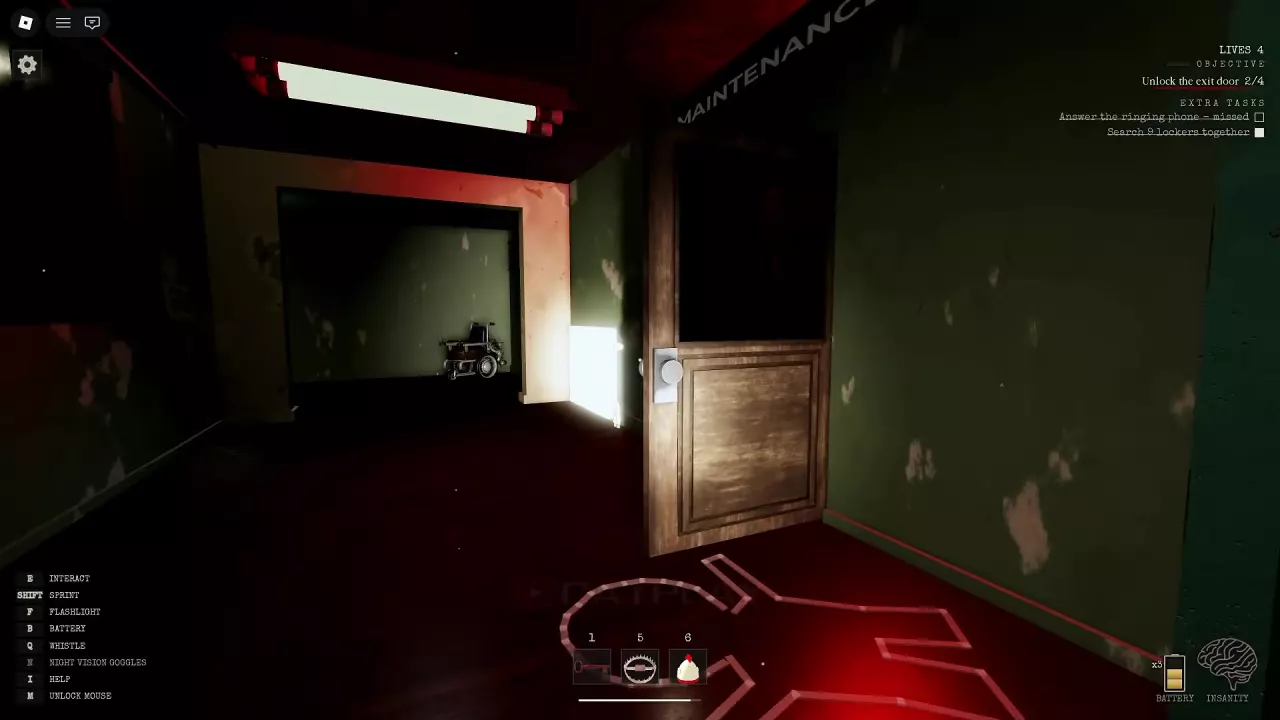
  1. Enter MAINTENANCE. Look for the marked doorway along the corridor.
  2. Cross the room and go downstairs. Follow the stairs into the basement.
  3. Find the EXIT DOOR. Its white glow identifies the exit area.

Hidden upper area: Once you find the climbable rope, climb upward to reach an area containing an old television. Press Space while on the rope to let go.

Enemies and Encounters

Enemies and Encounters
  • Cartman: The pursuer wears a blue-green hat, torn red clothing and yellow gloves. He chases players through the school.
  • Ike: Keep your flashlight beam pointed away from him when you encounter him during a run. This precaution concerns the school encounter, separate from the selectable Ike character.
  • A.W.E.S.O.M-O: Recognize this scare encounter by its box-shaped robot body and the name written on it.

Characters

Characters

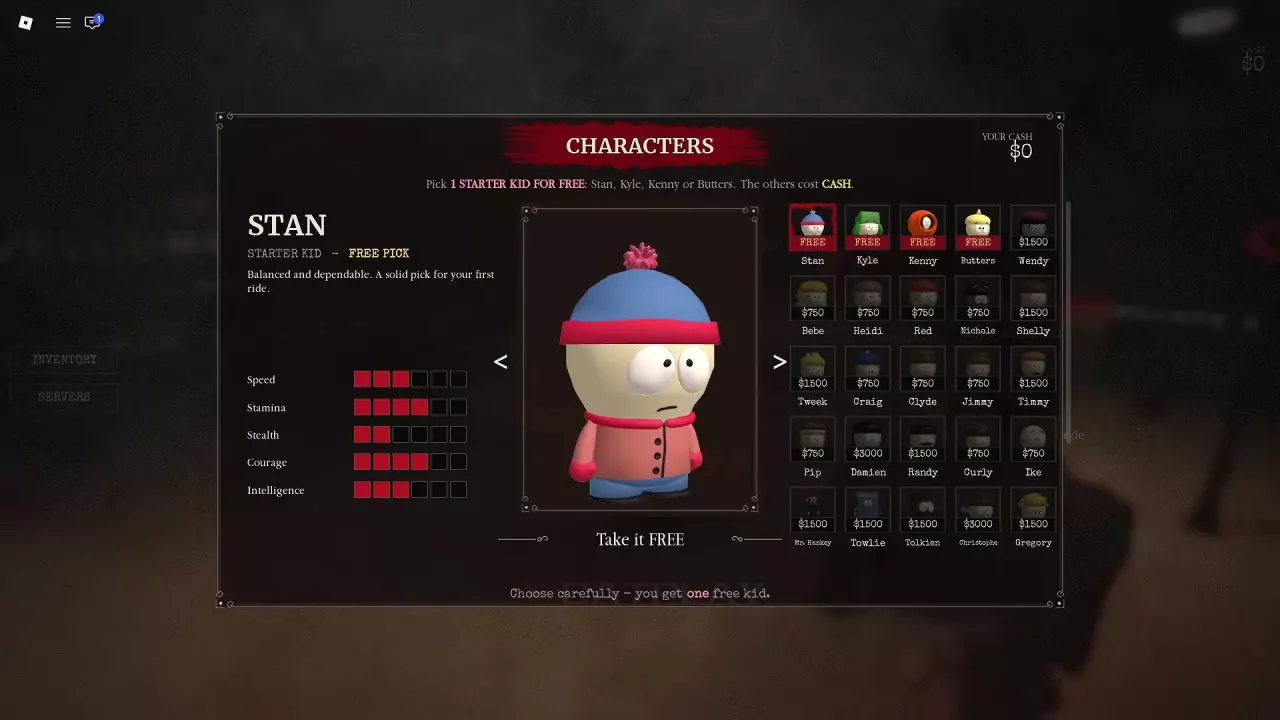
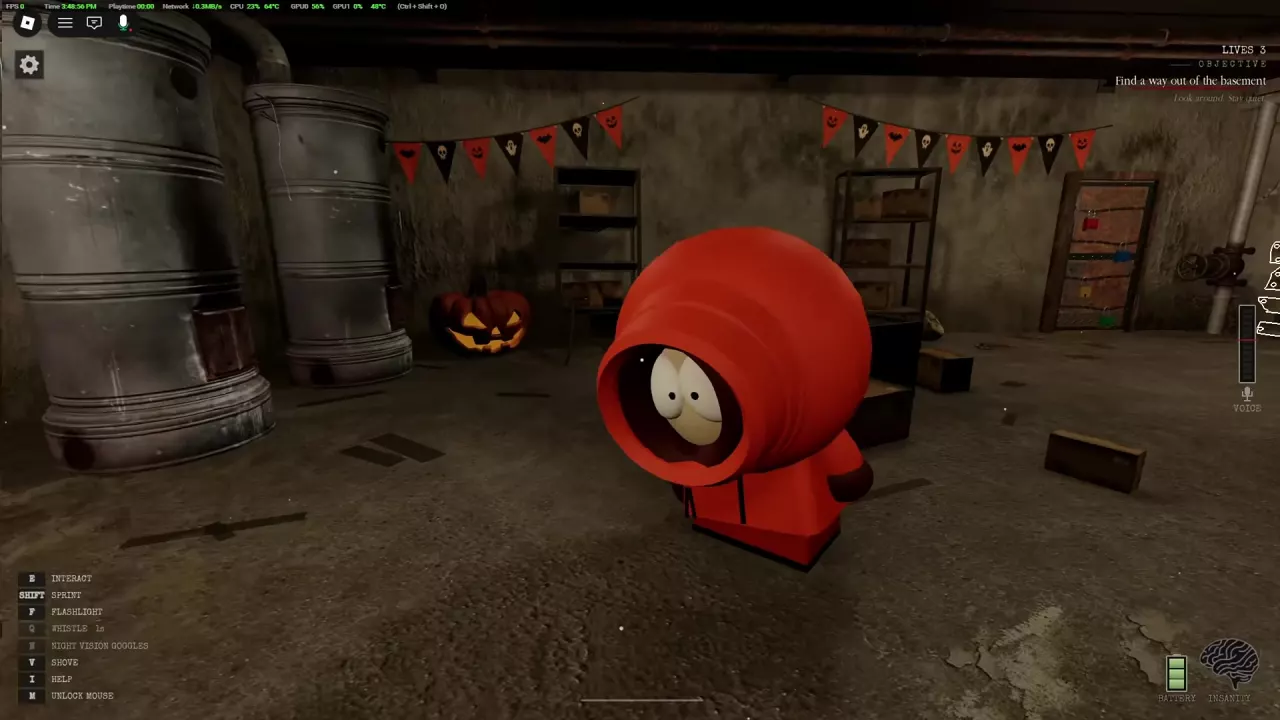
You can claim one free starter from Stan, Kyle, Kenny and Butters:

  1. Open CHARACTER on the left side of the lobby.
  2. Select your preferred starter.
  3. Choose Take it FREE.

Choose carefully: the free offer covers only one of the four. Stan is a sensible choice if you prefer his balanced, reliable role.

Cash-priced characters cost 750, 1,500 or 3,000 Cash. Use those tiers to plan spending; price is not a strength ranking.

  • Earn while progressing: Search lockers during your key hunt and aim to complete the escape. Locker searches can yield Cash, and successful escapes provide an escape payout.
  • Budget for all priced characters: Buying all 21 Cash-priced characters with none already owned costs 27,000 Cash. This subtotal excludes Stan, Kyle, Kenny and Butters.
  • Calculate your own shortfall: Add the Cash prices of your chosen targets that you do not own, then subtract your current Cash. If your balance covers or exceeds that subtotal, you need 0 additional Cash.

Items and Interactables

Items and Interactables
  • Fried Chicken: Approach a bucket and press E to pick it up. Equip it, then press M1 to throw it somewhere Cartman can find it. The chicken acts as bait to draw his attention.
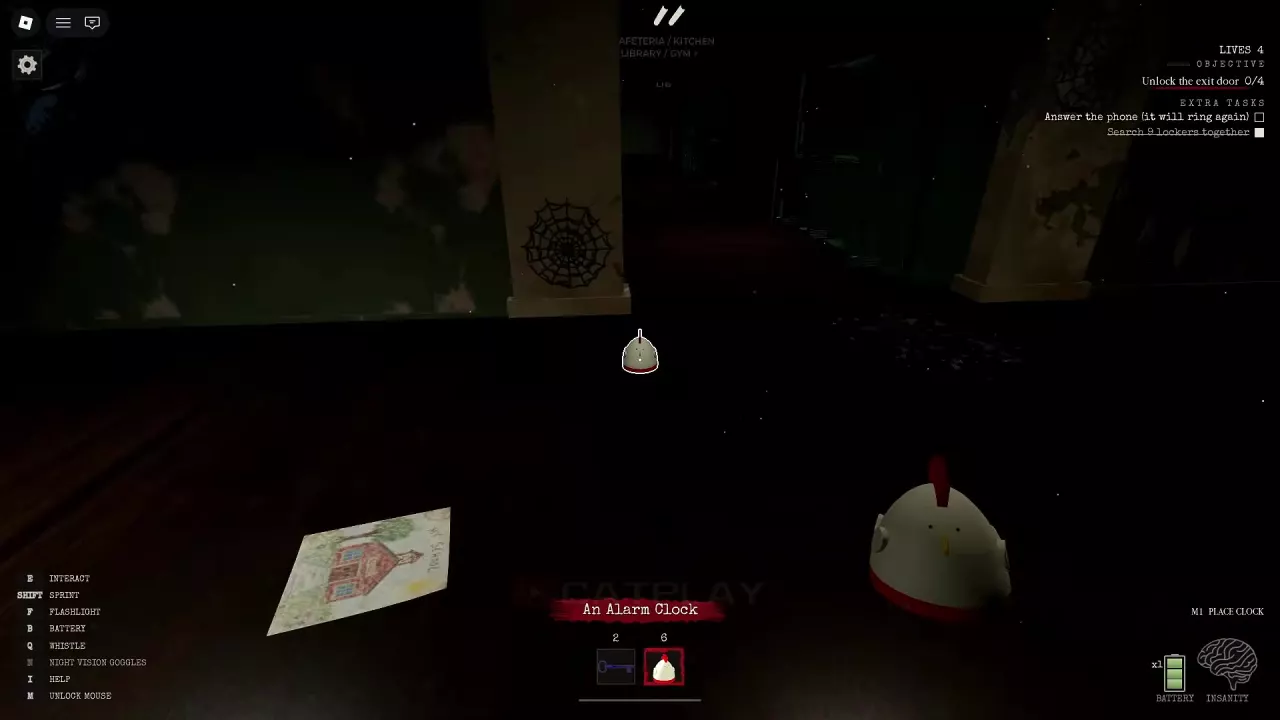
  • Alarm Clock: Equip it, aim the placement preview at the ground and press M1. Leave before it rings and attracts Cartman. The item instruction gives a 10-second delay; if the placement message shows a 12-second countdown, use that displayed countdown to time your retreat.
  • Trap: Equip it, aim at the ground and click to place it. Keep another escape route available during a chase: Cartman may walk around the trap.

Extra Tasks

Extra Tasks

Check EXTRA TASKS in the upper-right corner. These objectives are optional; work on each when it appears in your current round:

  • Find Ike’s rubber duck: A teammate can find the task duck and complete the objective for the group.
  • Answer the phone: Answer while it rings. An unanswered call can show missed; if the panel says it will ring again, watch for the next ringing prompt.
  • Ring 3 school bells: Find and interact with the bells. Track progress through counts such as 1/3 and 2/3 until completion.
  • Search 9 lockers together: Search with your team and check the panel for completion.

Badges

Badges
  • I Escaped!: Complete the main exit objectives, then use Escape at the opened door. You can earn this badge on Easy.
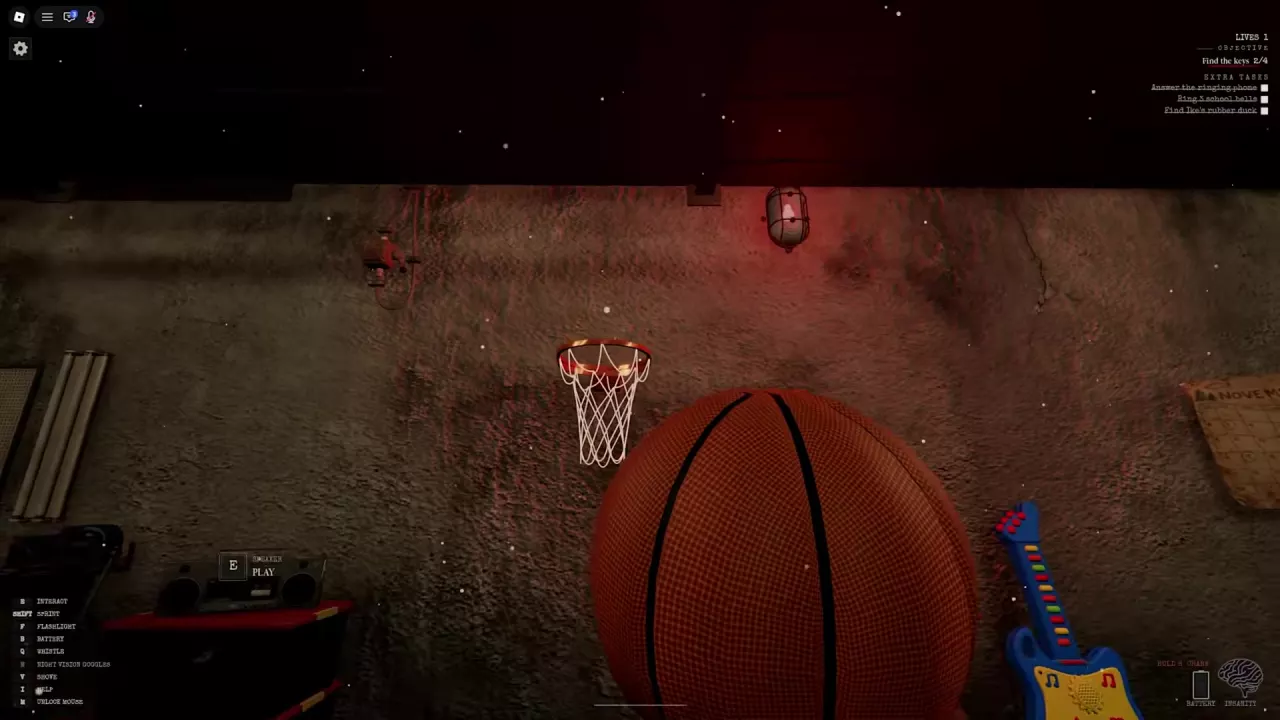
  • Nothing But Net: Pick up a basketball, aim at the hoop and throw it through. A successful basket awards the badge; if you miss, try again.

Game Passes

Game Passes
Game pass Price What you get
NightVisionGoggles 99 Robux Permanent access to night vision goggles; once owned, press N during a round to use them.
Boombox 199 Robux Songs nearby players can hear. When the music affects Cartman, he stops chasing and dances for 10 seconds.

Choose NightVisionGoggles for the lower-priced permanent night vision unlock. Choose Boombox if you want music and a way to interrupt a chase.

Controls and Settings

Controls and Settings
  • PC basics: Press E to interact, Shift to sprint and M to unlock the mouse.
  • Drop an item: Select it in your hotbar, then press G when G DROP appears.
  • Lower graphics: Use P → SETTINGS → GRAPHICS → LOW. Low graphics can help loading and reduce lag on slower devices; gray or blurry walls may still be loading.
  • Leave after escaping: On the spectator screen, choose LOBBY → LEAVE to return to the lobby. Other players can continue their round, but you cannot rejoin that same round after leaving.

Updates

New Update

A new update removes Halloween pumpkins and candy, adds characters, upgrades, finishers and run activities, and fixes several gameplay issues.

Halloween Update

The Halloween Update adds a school candy hunt, character selection, a lobby shop, private lobbies, new scares, settings and console support.

Recent articles

FAQ

Why is the exit still locked after KEY FOUND reaches 4/4?

KEY FOUND counts collected keys, not opened locks. Each carried key still needs to reach its matching colored basement lock and be used with E Unlock. Follow the Part 1 walkthrough for the remaining exit objectives.

What happens to my key if Cartman catches me?

The key drops where Cartman caught its carrier and glows white. Return when you can approach safely, recover it, then deliver it to the matching basement exit lock. Picking it back up does not unlock the door. See the key recovery steps.

Does recharging the flashlight fix a school blackout?

No. Batteries and hand cranking restore flashlight power. A school blackout requires repairing the Fuse Box in the basement to restore school lighting. Use your flashlight to navigate while following that objective; the flashlight and power guide explains both situations.