
Escape Tools, Keys and Lighting
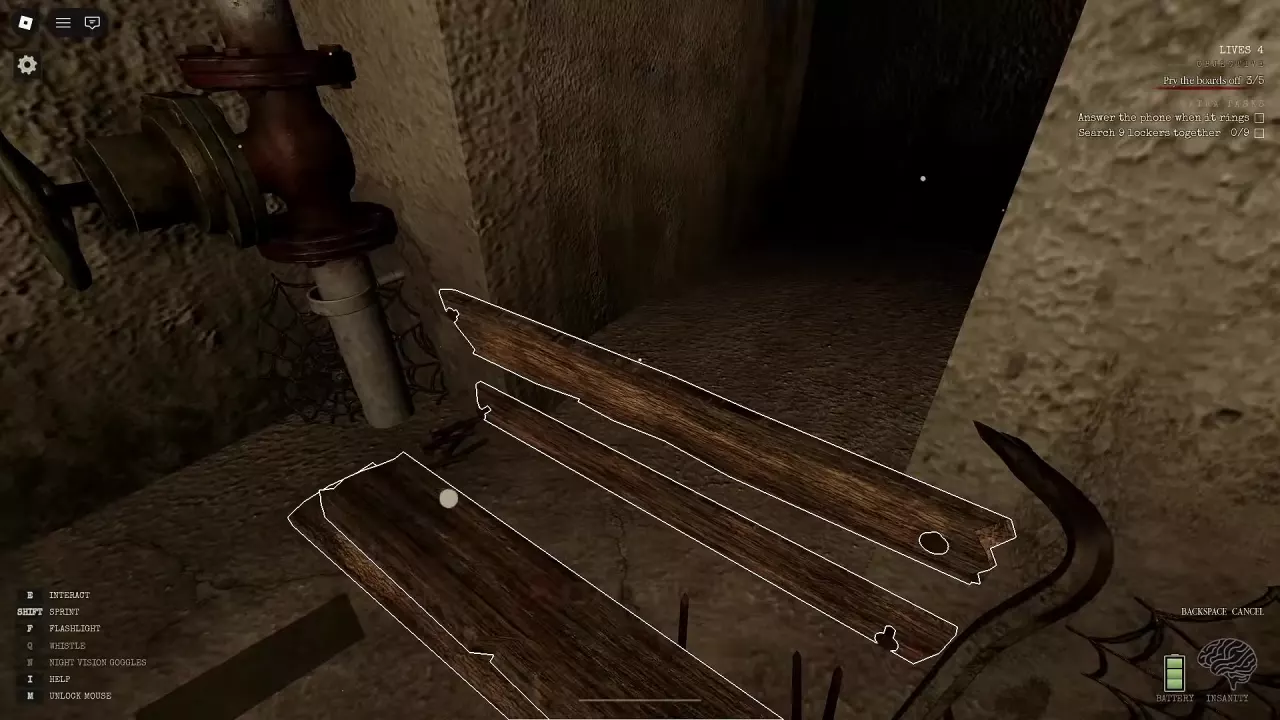
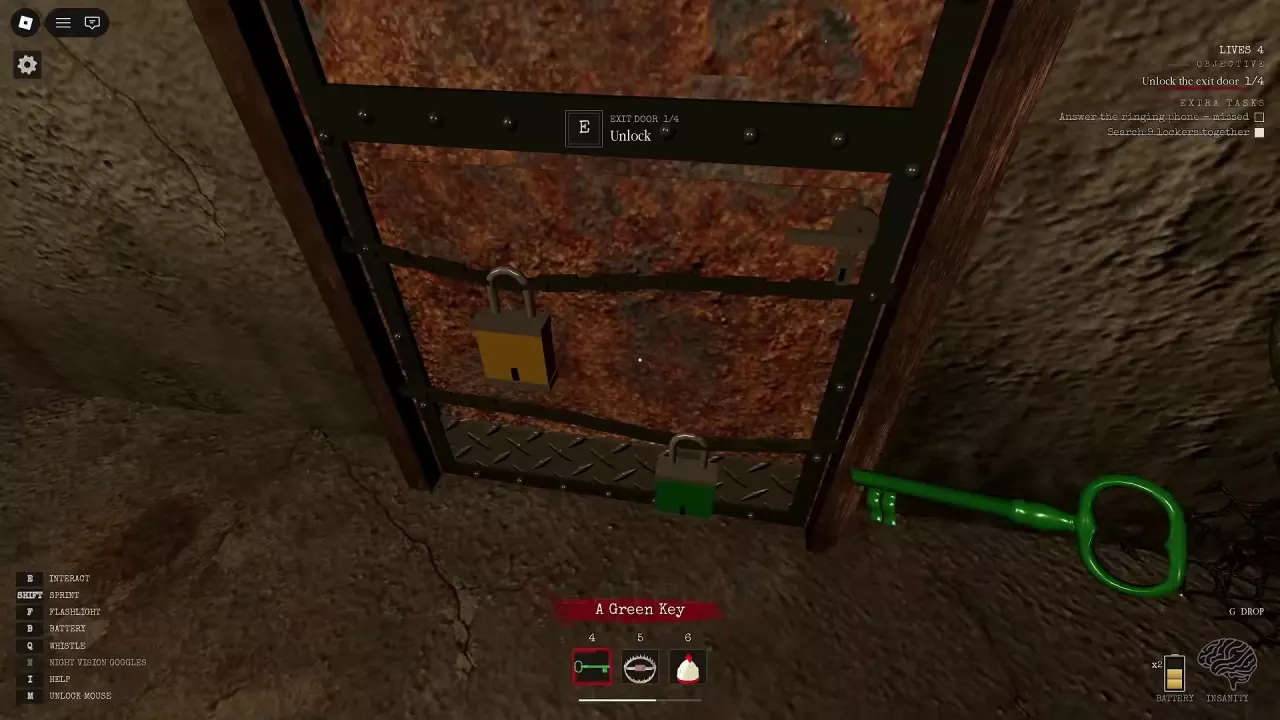
The Crowbar removes the five boards blocking the basement passage. The red, blue, yellow and green keys open the corresponding locks at the basement exit: equip each key and use E at the door. A player can carry one key at a time.
If the exit is stuck, collect the Crank Parts requested by the current objective. Once the required parts are found, return to the exit crank. The required counts can differ between rounds.
Press F to use the Flashlight. Search lockers for a Spare Battery and press B when the replacement prompt is available, or hold B at the HOLD B CRANK prompt to recharge. During a school power outage, the restoration objective points to the basement Fuse Box.
See the Part 1 walkthrough for the complete escape, or the flashlight guide for recharging and navigating darkness.
Bait, Clocks and Traps
Fried Chicken is throwable bait: press E near a bucket to pick it up, equip it, and press M1 to throw it somewhere Cartman can find it.
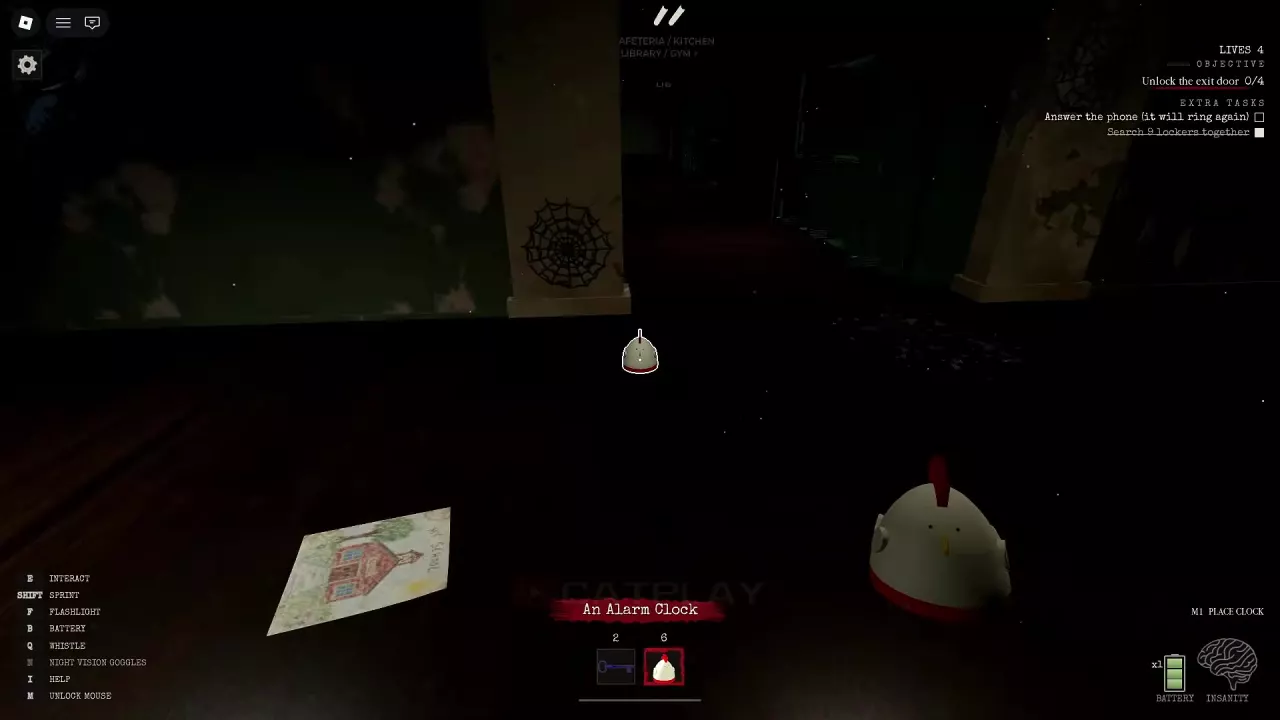
An Alarm Clock creates a delayed sound distraction. Equip it, aim the preview at the ground and press M1, then move away or take cover before it rings. The item instruction specifies a 10-second delay; a placement message can show a 12-second countdown.
Equip Trap, aim at the ground and click to place it during a chase. Keep a route to safety available because Cartman can go around it. Bear Trap has a clamp-shaped hotbar icon. Also watch for open toothed clamps on the floor near doorways.
For help choosing and deploying these items, see how to distract Cartman.
Ukulele, Toy Guitar and Speaker
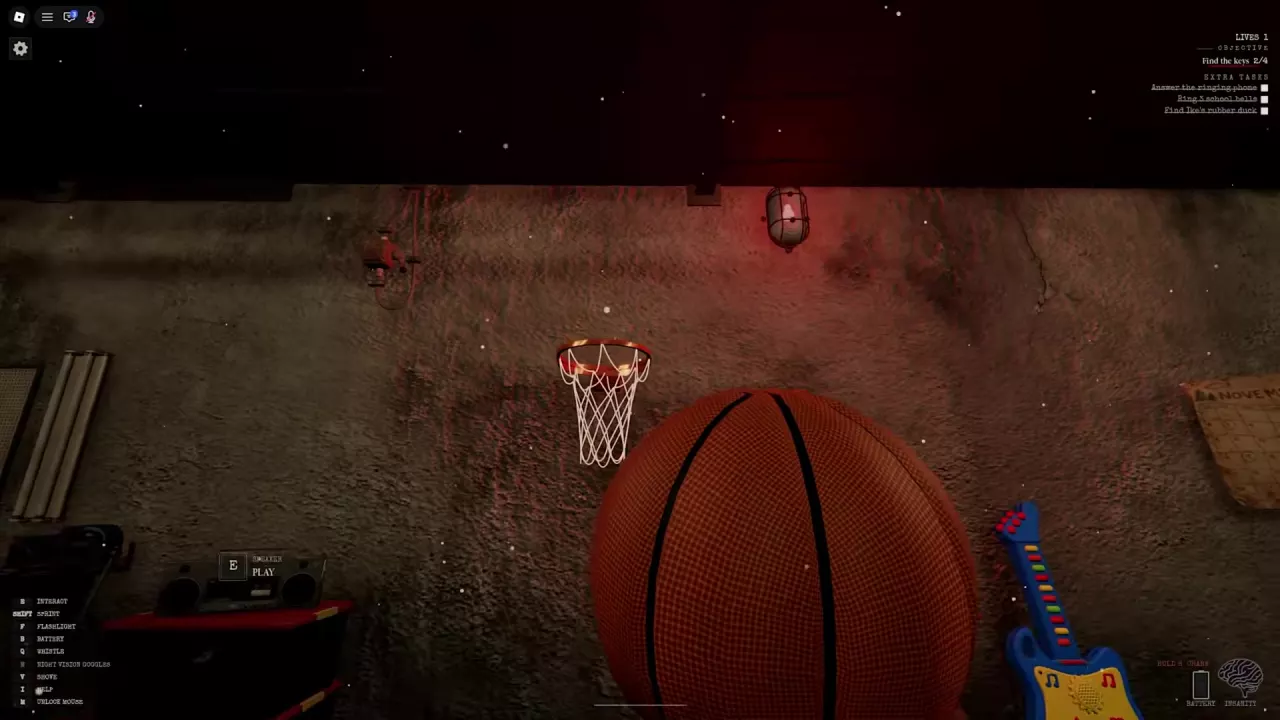
During the opening basement search, a wooden Ukulele leans against a wall. Approach it and press E at the pickup prompt. The blue-and-yellow toy guitar with colored buttons can also be picked up and played.
For the scene Speaker, move close enough for PLAY to appear, then press E. The Speaker is a separate interactable from the Boombox game pass.
Task Objects and the Basketball
When their Extra Tasks appear, find Ike's rubber duck, answer the phone when it rings, or ring three school bells. A teammate can complete the duck objective for the group, and the upper-right panel shows task progress. An unanswered call can be marked missed and may prompt that the phone will ring again.
Pick up a basketball and throw it through a hoop to earn Nothing But Net. See Extra Tasks for progress and team objectives, and the badges guide for the basketball achievement.
Night Vision Goggles and Boombox
The NightVisionGoggles game pass permanently unlocks night vision goggles; press N to use them during a round. The Boombox game pass plays music nearby players can hear and can interrupt Cartman's chase, making him dance for 10 seconds.
Choose night vision for a lighting tool or Boombox for music and chase disruption. Compare their prices and purchase options in the game passes guide.
Choose a Guide for Your Objective
- Stuck on the main escape: Follow the Part 1 walkthrough for keys, the exit and crank objectives.
- Trying to get away from Cartman: Use the distraction guide for chicken, clocks and Trap, or the survival guide for hiding and chase advice.
- Flashlight running low: See batteries and hand cranking.
- Working on side objectives: Check Extra Tasks or the badges guide.
Related guides
How to Distract Cartman in South Hell: Chicken, Clocks and TrapsDistract Cartman in South Hell with Fried Chicken, an Alarm Clock, Trap or Boombox. Learn how to deploy each option and move to safety.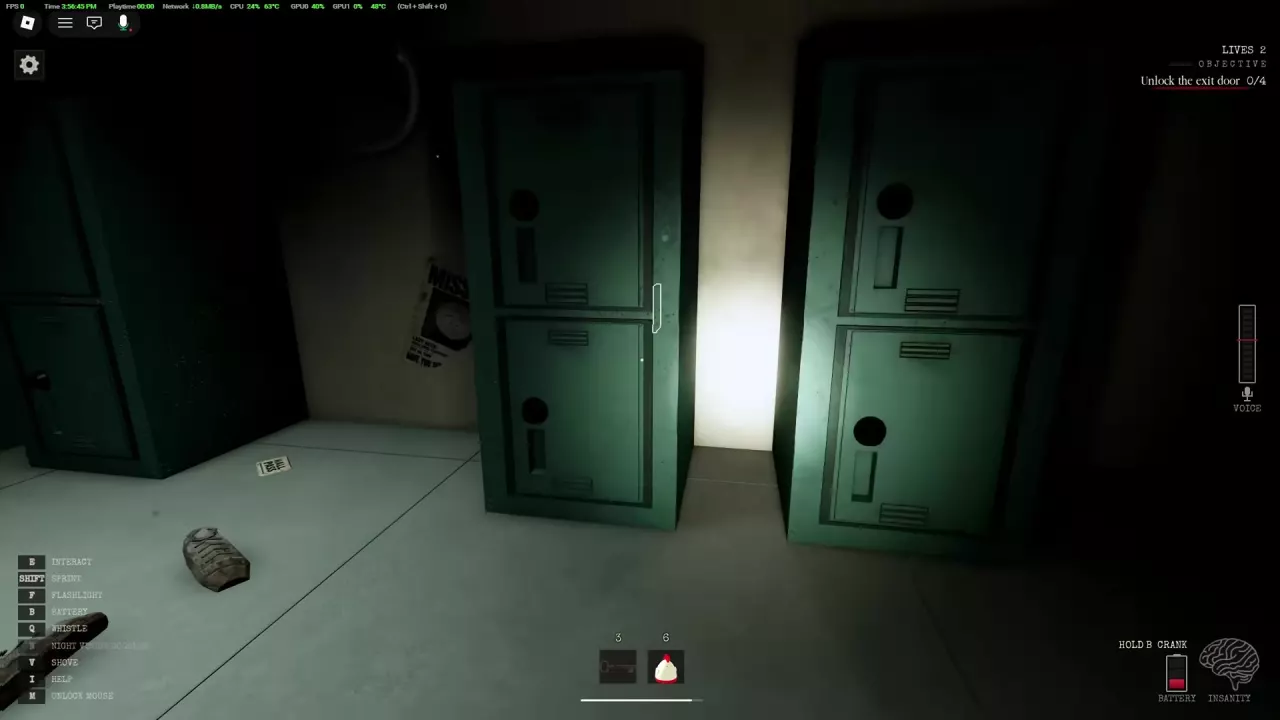 How to Recharge Your Flashlight in South HellLearn how to recharge your flashlight in South Hell, find spare batteries, use the hand crank, and reach the basement Fuse Box during an outage.
 South Hell Game Passes: Night Vision Goggles vs BoomboxCompare South Hell's 99-Robux NightVisionGoggles and 199-Robux Boombox, learn their benefits and controls, and find the shop and purchase links.
 South Hell Part 1 Walkthrough: Basement, Keys and Exit CrankEscape South Hell Part 1: remove the basement boards, find and use four keys, recover dropped keys, collect Crank Parts, and open the exit.South Hell Extra Tasks: Objectives and ProgressLearn the South Hell extra tasks, including Ike's rubber duck, ringing phones, school bells and nine lockers, and track their progress.South Hell Badges: Escape Awards and Nothing But NetBrowse all five South Hell badges, earn I Escaped! on Easy, and score a basket to get Nothing But Net.South Hell Controls: PC Keys, Graphics and Lobby ExitFind South Hell PC controls, drop a selected key, lower graphics, switch spectator targets, and return to the lobby after escaping.